
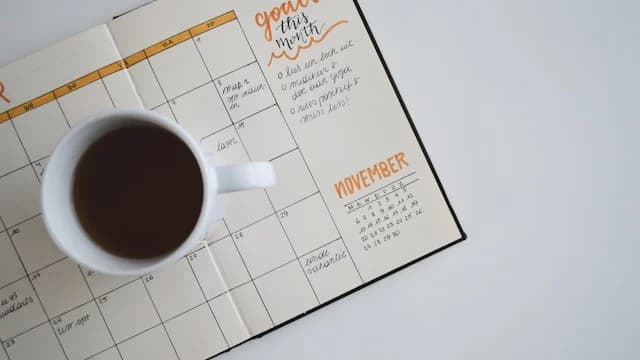
Job Application Tracker: How to Log and Follow Up Without Losing Track
A job application tracker is a single place that records every role you apply to, its status, and when to follow up. The function is simple but powerful: you stop forgetting where you applied, you know when to follow up, and you can see which applications turn into interviews. A spreadsheet or a tracker tool with a few core columns is enough, updated weekly.
Why fresh grads need a job tracker
When you apply to dozens of roles, memory fails. Without a record, you can apply twice to the same company, forget to reply to a recruiter, or miss the right follow-up window. A tracker turns the job search from reactive to controlled. It also gives you data: out of 30 applications, how many reached an interview, and what kind of application gets a response.
The minimum columns in a job tracker
| Column | Content | Why it matters |
|---|---|---|
| Company & role | Company name and job title | Basic identity of each application |
| Date applied | When you sent the application | Basis for timing follow-ups |
| Status | Applied, screening, interview, offer, rejected | Know where each application stands |
| Next follow-up | Target date to follow up | Stops applications from going silent |
| CV version | Which CV you used | See which version lands interviews |
| Notes | Recruiter contact, JD link, interview result | Context when they reply |
How to use a job tracker weekly
- Log every application right away, do not wait until the end of the week.
- Set a follow-up rule: if you hear nothing within 7 to 10 days, send a short email.
- Review the tracker every Monday: see which statuses are stuck and which follow-ups are due.
- Tag the CV version per application so you know which one converts better.
- Check patterns every 2 weeks: if many applications die at screening, the problem is likely the CV, not the volume.
If many applications stall at screening, fix the foundation first with how to improve a fresh grad CV and make sure your CV is ATS-readable.
Frequently asked questions
Should I use a spreadsheet or an app for a job tracker? Either works. A spreadsheet is free and flexible; an app like Hyred Career OS automates follow-up reminders. Start with whatever you will keep up with consistently.
How long should I wait before following up? Usually 7 to 10 business days after applying or after an interview, unless the recruiter gives a different timeline.
What do I write in a follow-up email? Keep it short: state the role and the date you applied, restate your interest, and ask for an update. Three to four sentences is enough.
Should I log rejected applications? Yes. Rejections are data. The pattern of rejections shows whether the issue is your CV, your role selection, or the interview stage.
Want automatic follow-up reminders and a tracker connected to your CV? Start Career OS free on Hyred. See also the job tracking system and ideal job fit.
Last updated: 2026-06-22